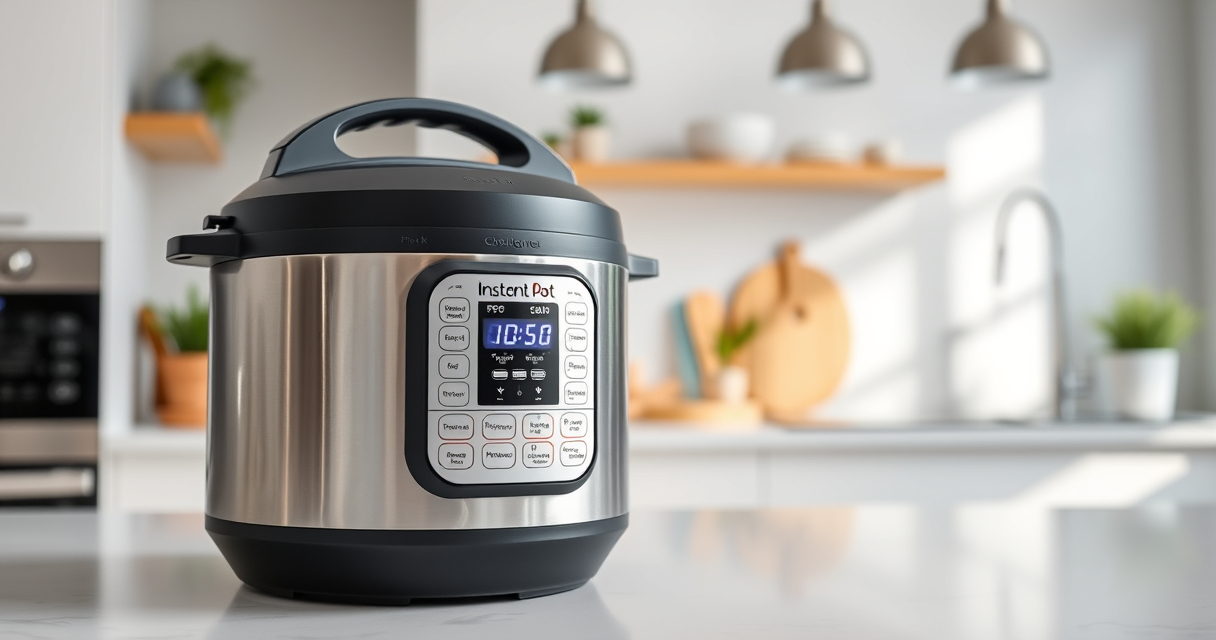

If your Instant Pot displays a burn error, it can be frustrating and confusing. This warning appears when the cooker detects that food is sticking to the bottom or overheating, which can lead to safety concerns or damaged cookware. Understanding the common causes of this error and knowing the proper troubleshooting steps can help you resolve the issue quickly and safely.

Get kitchen gear delivered free with Prime
- Fast, free delivery on millions of items
- Prime Video, Amazon Music and more included
- Member-only deals all year
In this guide, we’ll walk you through practical, step-by-step fixes for the burn error on your Instant Pot, focusing on safety and effective solutions. Whether you’re new to pressure cooking or a seasoned user, following these tips will help ensure your device operates correctly and your meals come out perfectly every time.
Key Takeaways
| Common Causes | Food sticking, insufficient liquid, or thick sauces can trigger burn errors. |
| Initial Checks | Ensure the sealing ring is properly fitted and the inner pot is clean. |
| Step-by-Step Fixes | Adjust ingredients, clean the bottom, and reset the cooker as needed. |
| Prevention Tips | Use enough liquid, avoid thick sauces, and stir ingredients before cooking. |
Understanding the Burn Error
The burn error on your Instant Pot is a safety feature designed to prevent overheating or burning of food. It typically appears as a message on the display, indicating that the cooker has detected conditions that could cause damage or safety issues. This error can be triggered by various factors, including food sticking to the bottom, insufficient liquid, or cooking thick sauces that are prone to burning.
Knowing the common causes helps you troubleshoot effectively. Recognizing whether the issue stems from ingredients, the sealing ring, or the inner pot can save time and prevent future errors. Always remember that safety is paramount—never ignore the burn warning, as it indicates potential risks.
Initial Troubleshooting Steps
- Turn off and unplug the Instant Pot. Before doing any cleaning or adjustments, ensure the device is completely powered down to prevent injury.
- Release pressure safely. Use the quick release or natural release method depending on your recipe, and open the lid carefully.
- Check the inner pot. Remove it and inspect the bottom for food residue or burnt bits. Clean thoroughly if needed.
- Examine the sealing ring. Make sure it is properly fitted and not damaged, as a poorly seated ring can cause pressure issues.
- Assess the ingredients. Are you using enough liquid? Is the sauce too thick? Adjust if necessary.
- Remove any stuck-on food or burnt bits. Use a non-abrasive scrubber or a soft brush to clean the bottom of the inner pot.
- Reassemble and reset. After cleaning, put everything back together correctly and try cooking again, starting with a shorter cycle.
How to Prevent Burn Errors
Prevention is always better than troubleshooting. To avoid encountering the burn error in future cooking sessions, follow these tips:
- Use enough liquid. The Instant Pot requires at least 1 to 1.5 cups of liquid for most recipes to generate enough steam and pressure.
- Stir ingredients before cooking. Ensure no thick sauces or ingredients are sticking to the bottom.
- Avoid thick, starchy foods. Foods that tend to burn or stick, like thick sauces or rice without enough water, should be cooked with caution.
- Check the sealing ring and inner pot. Regularly inspect for damage or residue that can interfere with pressure buildup.
- Don’t overload the cooker. Overfilling can restrict steam release and cause overheating.
Step-by-Step Fix for Burn Error
- Turn off and unplug the Instant Pot. Safety first—wait until it cools down before handling.
- Release pressure. Use the quick or natural release method to open the lid safely.
- Remove the inner pot. Carefully take out the pot and inspect the bottom.
- Clean the bottom thoroughly. Use a non-abrasive scrubber or sponge with warm soapy water to remove any burnt residue.
- Check the sealing ring and lid seal. Ensure they are correctly positioned and free of damage.
- Adjust your ingredients. Add more liquid if needed, and stir in thick sauces before sealing.
- Reassemble and reset. Place the inner pot back, close the lid securely, and set a new cooking cycle.
- Start with a shorter cooking time. This helps prevent overheating during the initial tests.
Additional Tips & Safety Warnings
Always prioritize safety when troubleshooting your Instant Pot. Never force open the lid while the device is still under pressure. Regularly check your sealing ring and inner pot for signs of wear or residue. Use the recommended minimum amount of liquid specified in your recipe or the user manual.
If the burn error persists despite cleaning and adjustments, consider replacing the sealing ring or inner pot. Using compatible accessories, such as compatible steamer baskets, can help prevent food from sticking and burning.
The Products in This Guide

Instant Pot 4QT RIO Mini 7-in-1 Multi-Cooker
- ✔ Dimensions: 10.2 x 10.2 x 11.8 inches
- ✔ Warranty: 1-year warranty
- ✔ Included accessories: Steamer rack, measuring cup

AOZITA Steamer Basket
- ✔ Dimensions: 9 x 9 x 4 inches
- ✔ Compatibility: 6 qt and 8 qt models
- ✔ Warranty: N/A
Instant Pot 4QT RIO Mini 7-in-1 Multi-Cooker
The Instant Pot 4QT RIO Mini 7-in-1 Multi-Cooker offers a convenient and space-saving solution for small households. With its 7 functions including pressure cooking, slow cooking, sautéing, and more, it can handle a variety of recipes efficiently. Its anti-spin design ensures stability during cooking, making it user-friendly and safe.
Pros:
- Compact size fits small kitchens
- 7 versatile cooking functions
- Stainless steel inner pot
- Easy to clean and operate
Cons:
- Limited capacity for larger families
- May require troubleshooting for burn errors
- No advanced Wi-Fi features
Best for: Singles, small families, students, and small kitchens needing versatile cooking options
Not ideal for: Large families or those needing to cook large quantities at once
Bottom line: A small but mighty multi-cooker ideal for limited kitchen space and small meals.
AOZITA Steamer Basket
The AOZITA Steamer Basket enhances your Instant Pot experience by allowing you to steam multiple foods simultaneously. Its 2-tier design maximizes space and efficiency, making it perfect for vegetables, eggs, or seafood. Crafted from durable stainless steel, it’s easy to clean and fits 6-quart and 8-quart models.
Pros:
- Two-tier stacking
- Stainless steel construction
- Fits multiple sizes
- Easy to clean
Cons:
- Requires additional space in the pot
- Not suitable for very small foods that fall through mesh
Best for: Steaming vegetables, eggs, seafood, and preparing layered meals
Not ideal for: Cooking large quantities of meat or thick sauces
Bottom line: A versatile steaming accessory that expands your Instant Pot’s capabilities.
Frequently Asked Questions
What causes the burn error on the Instant Pot?
The burn error typically occurs when food sticks to the bottom, there’s insufficient liquid, or thick sauces burn during cooking. Ensuring enough liquid and stirring ingredients helps prevent this.
How do I fix the burn error on my Instant Pot?
Turn off and unplug the device, release pressure safely, clean the inner pot and sealing ring, and adjust your ingredients to include more liquid or stir to prevent sticking before restarting.
Can I prevent the burn error from happening?
Yes, by using enough liquid, avoiding overly thick sauces, stirring ingredients before cooking, and inspecting the sealing ring regularly, you can reduce the chances of encountering this error.
Is cleaning the inner pot enough to fix the burn error?
Cleaning may resolve the issue if burnt residue was causing the error. However, if the sealing ring or lid is damaged or improperly fitted, those should be checked and replaced if necessary.
When should I replace the sealing ring?
Replace the sealing ring if it becomes cracked, deformed, or retains odors despite cleaning. A good seal is crucial for proper pressure buildup and safety.
Keeping Your Instant Pot Running Smoothly
Dealing with the burn error on your Instant Pot can be straightforward once you understand its causes and follow proper troubleshooting steps. Regular maintenance, using sufficient liquid, and cleaning your cooker after each use will help prevent this issue from recurring. Always prioritize safety, and don’t hesitate to replace worn parts to keep your device functioning optimally. With a little care, your Instant Pot will continue to be a reliable kitchen helper for years to come.
Affiliate disclosure: As an Amazon Associate we earn from qualifying purchases. Prices and availability are accurate as of the time of publishing.
Halloween Picks
halloween
As an affiliate, we earn on qualifying purchases.