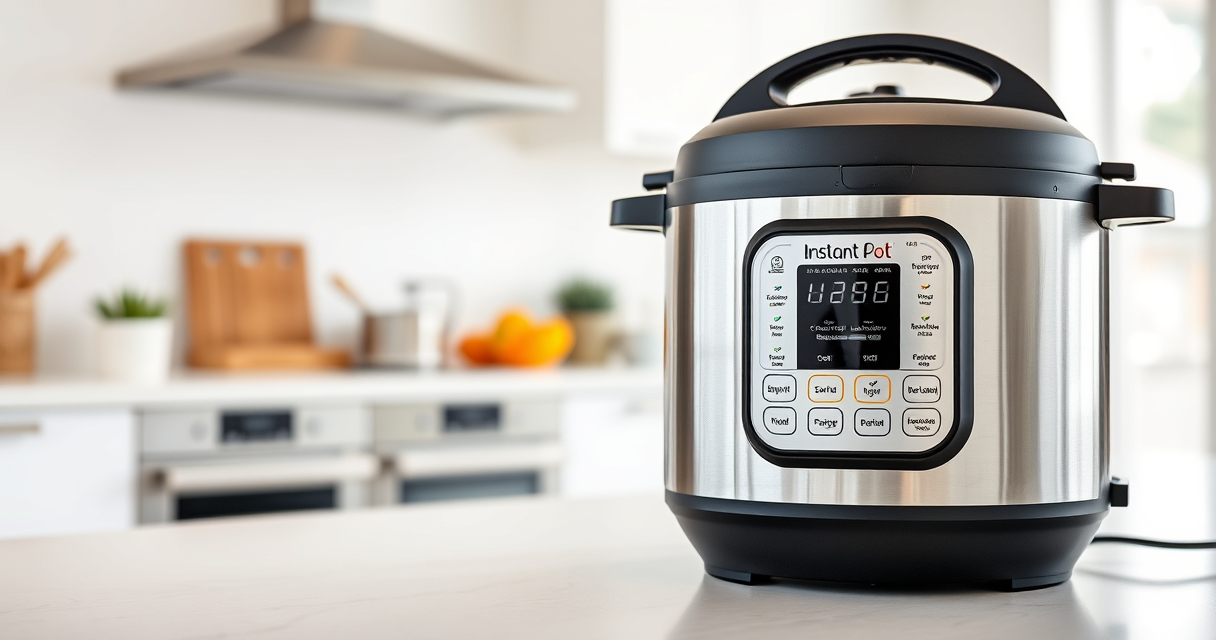

If your Instant Pot 4QT RIO Mini 7-in-1 Multi-Cooker keeps displaying a burn error, it can be frustrating and disrupt your meal plans. This guide provides clear, safe steps to troubleshoot and resolve the issue, helping you get back to cooking quickly and efficiently.

Get kitchen gear delivered free with Prime
- Fast, free delivery on millions of items
- Prime Video, Amazon Music and more included
- Member-only deals all year
Burn errors typically occur due to issues like food sticking to the bottom, insufficient liquid, or a dirty sealing ring. Understanding these common causes will enable you to fix the problem safely and prevent it from recurring.
Key Takeaways
| Common Causes | Food sticking, insufficient liquid, dirty sealing ring |
| Quick Fix | Add more liquid and deglaze the bottom |
| Maintenance | Clean the inner pot and sealing ring regularly |
| Prevention | Use enough liquid and avoid thick sauces at start |
| Safety | Always unplug before cleaning or troubleshooting |
Step 1: Turn Off and Unplug the Instant Pot
- Press ‘Cancel’ to stop cooking and unplug the device from the power outlet.
- Allow the cooker to cool down for at least 15 minutes before opening.
Step 2: Open the Lid and Check the Food
Carefully open the lid and inspect the contents. If food is stuck or burned at the bottom, gently scrape it away using a non-metallic spatula.
Step 3: Add Liquids and Deglaze
- Pour in about 1 cup of water, broth, or other liquid, especially if the recipe was thick or had little liquid initially.
- Use a spatula or spoon to scrape the bottom of the inner pot to loosen any stuck food, ensuring the bottom is clean.
Step 4: Clean and Inspect the Sealing Components
- Remove and wash the sealing ring and the inner pot with warm, soapy water.
- Check for any food residue or damage on the sealing ring and replace if necessary.
Step 5: Restart with Proper Settings
Reassemble the cooker, ensuring the sealing ring is properly fitted. Add enough liquid as per your recipe, and select the appropriate pressure cooking setting. Press start and monitor for any errors.
The Products in This Guide

Instant Pot 4QT RIO Mini 7-in-1 Multi-Cooker
- ✔ Power: 1000W
- ✔ Voltage: 120V
- ✔ Warranty: 1 year

AOZITA Steamer Basket
- ✔ Capacity: Multiple layers
- ✔ Material: 18/8 stainless steel
- ✔ Compatibility: 6 & 8 qt models
Instant Pot 4QT RIO Mini 7-in-1 Multi-Cooker
The Instant Pot 4QT RIO Mini 7-in-1 Multi-Cooker is a versatile, compact device that offers multiple cooking functions, including pressure cooking. Its anti-spin design helps keep the pot steady during sautéing and stirring, making it easier to prevent burn errors when used correctly.
Pros:
- 7-in-1 functionality
- Compact size for small kitchens
- Anti-spin design for stability
- Multiple cooking options
Cons:
- Limited capacity for large families
- Requires careful liquid management
- Sealing ring may need replacement over time
Best for: Small households, students, and singles seeking versatile cooking in a compact device
Not ideal for: Large families or those cooking big batches regularly
Bottom line: A reliable, multi-functional pressure cooker ideal for small households, with proper use preventing burn errors.
AOZITA Steamer Basket
The AOZITA Steamer Basket is a great addition to your Instant Pot. Its 2-tier, stackable design allows you to cook multiple dishes simultaneously while keeping them separated, making meal prep more efficient.
Pros:
- Two-tier stacking
- Stainless steel mesh
- Compatible with 6 & 8 qt models
- Easy to clean
Cons:
- May require additional space inside the pot
- Not suitable for very small recipes
- Requires careful handling
Best for: Cooking vegetables, seafood, or multiple dishes at once
Not ideal for: Cooking large quantities or for big families
Bottom line: A versatile steamer basket to maximize your Instant Pot’s functionality and streamline meal prep.
Frequently Asked Questions
Why does my Instant Pot keep showing a burn error?
Burn errors often occur due to food sticking to the bottom, insufficient liquid, or a dirty sealing ring. Proper cleaning and adding enough liquid can usually fix this.
How can I prevent burn errors in the future?
Always ensure there is enough liquid in the recipe, scrape any food particles from the bottom before cooking, and avoid thick sauces initially.
Is it safe to open the Instant Pot during a burn error?
It’s safest to turn off, unplug, and allow the cooker to cool before opening. Never force the lid open while under pressure.
When should I replace the sealing ring?
Replace the sealing ring if it becomes cracked, deformed, or retains an odor after cleaning to ensure proper sealing and safety.
Mastering Your Instant Pot for Reliable Cooking
Fixing a burn error on your Instant Pot doesn’t have to be complicated. By understanding the common causes and following these simple troubleshooting steps, you can ensure safe and efficient cooking every time. Regular maintenance and proper liquid management are key to preventing future issues, allowing you to enjoy your multi-functional cooker without interruptions.
Affiliate disclosure: As an Amazon Associate we earn from qualifying purchases. Prices and availability are accurate as of the time of publishing.
Halloween Picks
halloween
As an affiliate, we earn on qualifying purchases.