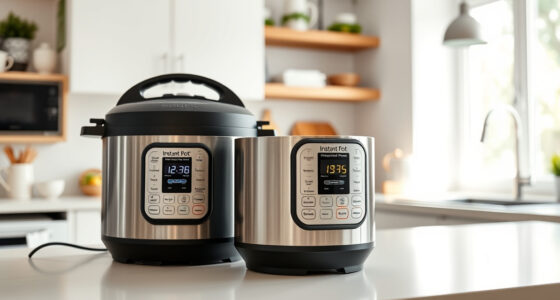

If your Instant Pot 4QT RIO Mini 7-in-1 Multi-Cooker keeps displaying a burn error, it can be frustrating and disrupt your meal prep. This guide provides clear, safe troubleshooting steps to resolve the issue and get your cooker back to optimal performance.

Get kitchen gear delivered free with Prime
- Fast, free delivery on millions of items
- Prime Video, Amazon Music and more included
- Member-only deals all year
Following these practical steps will help you identify common causes, such as food sticking, sealing problems, or improper liquid levels, and fix them effectively.
Key Takeaways
| Check for food stuck to the bottom | Food debris can trigger burn errors, so cleaning is essential. |
| Ensure proper liquid levels | Insufficient liquid can cause burning and error messages. |
| Inspect the sealing ring and lid | A damaged or improperly fitted seal may lead to pressure issues. |
| Avoid overcrowding the pot | Overfilled or tightly packed ingredients can cause uneven cooking and burning. |
| Use the sauté function to deglaze | Deglazing helps loosen browned bits and prevents burning. |
Step 1: Turn Off and Release Pressure
- Press the “Cancel” button and unplug the Instant Pot.
- Allow it to cool for 10-15 minutes.
- Carefully release any remaining pressure using the quick release valve, ensuring no hot steam escapes.
Step 2: Open the Lid and Inspect the Inner Pot
- Remove the lid carefully, making sure the sealing ring is properly seated.
- Check the bottom of the inner pot for food residue or burnt bits.
Step 3: Clean and Prepare for Restart
- Wash the inner pot thoroughly with warm soapy water, removing any stuck food.
- Inspect the sealing ring for cracks or deformation; replace if damaged.
- Ensure the lid’s rubber gasket is clean and correctly positioned.
Step 4: Adjust Ingredients and Liquid Levels
- Add enough liquid (at least 1 to 1.5 cups of water or broth) as per recipe requirements.
- Do not overfill the pot—stay within the 4-quart capacity.
- Scrape and deglaze the bottom of the inner pot to loosen any browned bits.
Step 5: Restart and Monitor
- Securely close the lid, ensuring it’s locked in place.
- Set the pressure cook time and carefully monitor the first few minutes.
- If the burn error persists, repeat the cleaning process or check for faulty parts.
The Products in This Guide

Instant Pot 4QT RIO Mini 7-in-1 Multi-Cooker
- ✔ Power: 1000W
- ✔ Material: Plastic and stainless steel
- ✔ Warranty: 1-year manufacturer warranty

AOZITA Steamer Basket
- ✔ Capacity: Two tiers
- ✔ Color: Silver
- ✔ Weight: 1.5 pounds
Instant Pot 4QT RIO Mini 7-in-1 Multi-Cooker
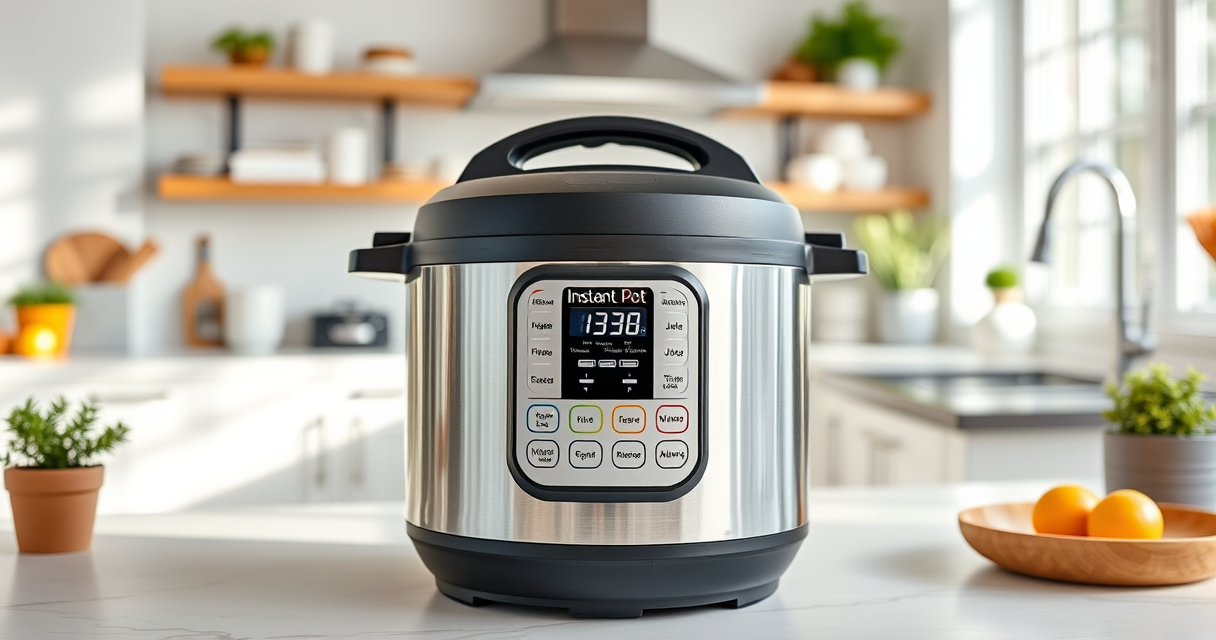
The Instant Pot 4QT RIO Mini 7-in-1 Multi-Cooker offers versatile cooking functions in a compact size, ideal for small households. Its anti-spin design and modern look make it both functional and stylish.
Pros:
- 7-in-1 multi-functionality
- Compact and space-saving
- Easy to monitor cooking status
- Versatile for various recipes
Cons:
- Limited capacity for large families
- Some users report sealing ring wear over time
- Requires careful cleaning to prevent burn errors
Best for: Small families, singles, and students seeking a versatile, space-efficient cooker
Not ideal for: Cooking for large groups or extensive meal prep
Bottom line: A compact, versatile cooker perfect for small portions and quick meal prep.
AOZITA Steamer Basket
The AOZITA Steamer Basket adds versatility to your Instant Pot, allowing you to steam multiple foods simultaneously while keeping them separated. It’s durable, easy to clean, and perfect for busy kitchens.
Pros:
- Two-tier design maximizes space
- Made of stainless steel
- Compatible with 6 and 8 qt models
- Easy to clean and handle
Cons:
- Adds extra cleanup step
- Requires space within the pot
- Not suitable for very small or very large foods
Best for: Cooking multiple dishes at once, steaming vegetables, eggs, or seafood
Not ideal for: For those with very limited space or minimal steaming needs
Bottom line: A practical accessory to expand your Instant Pot’s steaming capabilities.
Frequently Asked Questions
Why does my Instant Pot keep showing a burn error?
The burn error typically occurs due to food sticking to the bottom, insufficient liquid, or sealing issues. Follow the troubleshooting steps to resolve it.
How much liquid do I need to avoid the burn error?
Ensure there is at least 1 to 1.5 cups of liquid in the inner pot, depending on your recipe, to prevent burning and maintain pressure.
Can I use the sauté function to prevent burn errors?
Yes, using the sauté function to deglaze the bottom before pressure cooking can help loosen browned bits and prevent burning messages.
How often should I replace the sealing ring?
Inspect the sealing ring regularly for cracks or deformation. Replace it if damaged to maintain proper sealing and pressure.
Keep Your Instant Pot Running Smoothly
By following these troubleshooting steps, you can fix common causes of the burn error and ensure your Instant Pot operates safely and efficiently. Regular cleaning, proper liquid levels, and attentive use will extend your cooker’s lifespan and improve your cooking experience.
Don’t forget to consider helpful accessories like the AOZITA Steamer Basket to maximize your Instant Pot’s versatility and make meal prep even easier.
Affiliate disclosure: As an Amazon Associate we earn from qualifying purchases. Prices and availability are accurate as of the time of publishing.
Halloween Picks
halloween
As an affiliate, we earn on qualifying purchases.