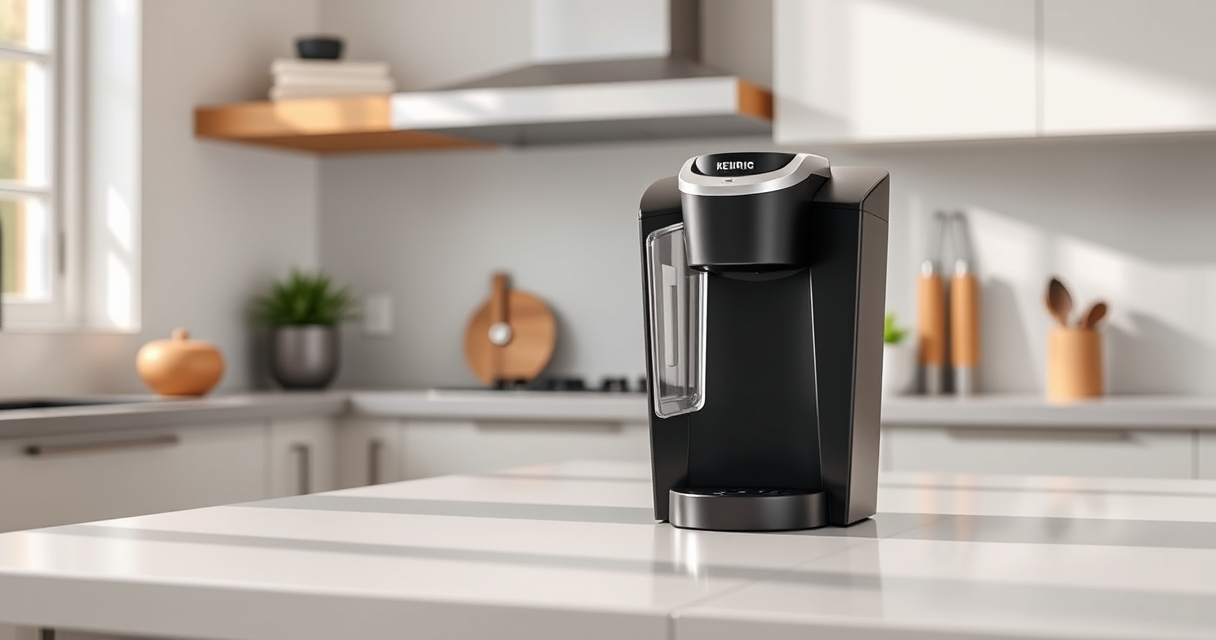

If you’re a Keurig K-Mini user, keeping your coffee maker in top shape ensures every brew is fresh and flavorful. Over time, minor issues like clogs or mineral buildup can affect performance. This guide provides clear, safe, step-by-step troubleshooting and maintenance tips tailored for your Keurig K-Mini, helping you enjoy perfect coffee every morning.

Get kitchen gear delivered free with Prime
- Fast, free delivery on millions of items
- Prime Video, Amazon Music and more included
- Member-only deals all year
From cleaning to descaling and troubleshooting common problems, you’ll find practical advice grounded in the product’s features and specifications. Regular care not only prolongs your brewer’s lifespan but also guarantees a consistently delicious cup. Let’s get started with what you need to know to keep your Keurig K-Mini running flawlessly.
Key Takeaways
| Regular cleaning is essential | Keeps your brewer free of residue and oils that can affect taste. |
| Descaling prevents mineral buildup | Use descaling solutions every 3 months to maintain optimal performance. |
| Troubleshoot common issues step-by-step | Identify and resolve problems like water flow or error messages efficiently. |
| Use compatible accessories | Ensure using approved filters like the My K-Cup for best results. |
Preparing for Troubleshooting
Before diving into troubleshooting, gather some basic supplies: a descaling solution, cleaning cloths, and possibly a new water filter. Always unplug the machine before cleaning or servicing to ensure safety. Familiarize yourself with the water reservoir, brew mechanism, and control buttons, as these areas are often involved in common issues.
Check your user manual for specific instructions related to your model, the Keurig K-Mini (ASIN: B07GV2S1GS). Ensuring the machine is unplugged during maintenance prevents electrical hazards and accidental operation. Regular maintenance can prevent most problems, so incorporate cleaning and descaling into your routine every 3-6 months.
How to Descale Your Keurig K-Mini
- Fill the water reservoir with a descaling solution or a mixture of white vinegar and water (follow your descaling product instructions).
- Place a large mug on the drip tray.
- Run a brew cycle without inserting a K-Cup, allowing the solution to run through the machine.
- Repeat the process until the reservoir is empty.
- Empty and rinse the reservoir thoroughly, then refill with fresh water.
- Run several brewing cycles with just water to flush out any remaining descaling solution or vinegar.
This process helps remove mineral deposits that can clog your brewer and affect coffee flavor. Regular descaling ensures the machine operates efficiently and prolongs its lifespan.
Cleaning and Maintaining Your Keurig K-Mini
- Clean the exterior and drip tray regularly with a damp cloth to remove dust and coffee splashes.
- Remove and rinse the water reservoir weekly, drying it thoroughly before refilling.
- Use a rinse pod or run water through the brewing mechanism to clear out residual oils or coffee grounds.
- Replace the water filter cartridge every 2-3 months for optimal water quality.
Keeping all parts clean prevents blockages and flavor carryover, ensuring each brew tastes fresh. If your brewer starts to produce weak coffee or takes longer than usual, cleaning is likely needed.
Troubleshooting Common Issues
Water Not Flowing Properly: Check the water reservoir for blockages or mineral buildup. Clean the reservoir and run a descaling cycle. Ensure the water filter (if used) isn’t clogged.
Brewer Not Turning On: Make sure the power cord is securely plugged in and the outlet is working. Reset the machine by unplugging it for 30 seconds, then plugging it back in.
Leaking or Overflowing: Examine the brew head and drip tray for clogs or residue. Clean thoroughly and ensure the water reservoir is seated correctly.
Machine Displays Error Messages: Refer to your user manual for specific error codes, often related to water levels or internal malfunctions. Reset or perform a descaling cycle as recommended.
Tips and Warnings for Safe Maintenance
- Always unplug your Keurig before cleaning or descaling to prevent electrical shock.
- Use only recommended descaling solutions or white vinegar in appropriate amounts.
- Avoid using abrasive cleaners or brushes that could damage the machine’s surfaces.
- Do not immerse the machine or its electrical parts in water.
- Regularly check for worn or damaged parts and replace as needed for safety and performance.
Following these tips ensures safe and effective maintenance, helping your Keurig K-Mini operate reliably for years to come.
The Products in This Guide

Keurig K-Mini Single Serve K-Cup Pod Coffee Maker
- ✔ Brew Size: 6-12oz
- ✔ Material: Matte finish
- ✔ Dimensions: Less than 5 inches wide

My K-Cup® Reusable Coffee Filter
- ✔ Compatibility: Keurig models
- ✔ Material: Plastic
- ✔ Capacity: Single cup
Keurig K-Mini Single Serve K-Cup Pod Coffee Maker
The Keurig K-Mini offers a sleek, space-saving design without sacrificing functionality. Its single-serve brewing capability and compatibility with various K-Cup pods make it versatile and easy to use. Regular cleaning and descaling will keep it performing at its best.
Pros:
- Space-saving design
- Fast brew time
- Removable drip tray
- Cord storage for portability
Cons:
- Limited water reservoir capacity
- No on/off switch
- Requires frequent descaling if hard water used
Best for: Small kitchens, offices, dorm rooms, travel
Not ideal for: Large households or those needing multiple cups at once
Bottom line: A compact, efficient coffee maker ideal for small spaces with simple maintenance needs.
My K-Cup® Reusable Coffee Filter
The My K-Cup Reusable Coffee Filter is an excellent accessory for brewing your favorite ground coffee with the Keurig K-Mini. Its compatibility with various Keurig models, including the K-Brew+Chill, makes it versatile and convenient.
Pros:
- Eco-friendly
- Cost-effective
- Brews full-flavor coffee
- Easy to clean
Cons:
- Requires manual filling
- Not suitable for all brew sizes
- Need to remember to clean regularly
Best for: Ground coffee enthusiasts, eco-conscious users
Not ideal for: Those preferring convenience of pre-packaged pods
Bottom line: A must-have for those who brew their own ground coffee in a Keurig.
Frequently Asked Questions
How often should I descale my Keurig K-Mini?
It’s recommended to descale every 3 months or more frequently if you have hard water to prevent mineral buildup and ensure optimal performance.
Can I use ground coffee with my Keurig K-Mini?
Yes, using a compatible reusable filter like the My K-Cup allows you to brew ground coffee instead of pre-packaged K-Cups.
Why is my Keurig not brewing properly?
Common causes include mineral buildup, clogged needles, or a full water reservoir. Regular cleaning and descaling usually resolve these issues.
Is it safe to clean my Keurig with vinegar?
Yes, white vinegar diluted with water is a safe and effective descaling solution when used correctly. Be sure to rinse thoroughly afterward.
What should I do if my Keurig leaks?
Check for clogs or residue in the brew head and ensure the water reservoir is seated properly. Clean all parts regularly to prevent leaks.
Keep Your Keurig K-Mini Brewing Perfectly
With regular cleaning, descaling, and troubleshooting, your Keurig K-Mini can deliver consistently great coffee for years to come. Follow these practical steps to maintain your brewer and resolve common issues safely. Enjoy your fresh, flavorful brew every day!
Affiliate disclosure: As an Amazon Associate we earn from qualifying purchases. Prices and availability are accurate as of the time of publishing.
Fall Picks
fall essentials
As an affiliate, we earn on qualifying purchases.